 Scott Tompkins

The print head pulls up to 2 A for an instant, which is enough to brown out the microcontroller beside it. That was the first of several problems in this build. I own every layer of the device: the enclosure, the electronics, the firmware, the sync protocol, the cloud backend and the console staff use. So each problem could be fixed at whichever layer made it cheapest. This page is the log of those problems.
Some background first. Once FoodForms was checking neighbors in on a tablet, pantries asked for what a deli counter has: a printed number, so people can be called in order. A second request came later: let neighbors who already have a check-in code skip the tablet.
Nothing off the shelf fit. Receipt printers expect a point-of-sale system. The device had to be inexpensive, simple enough for a volunteer to plug in, and finished enough to sit on a check-in table as an appliance.
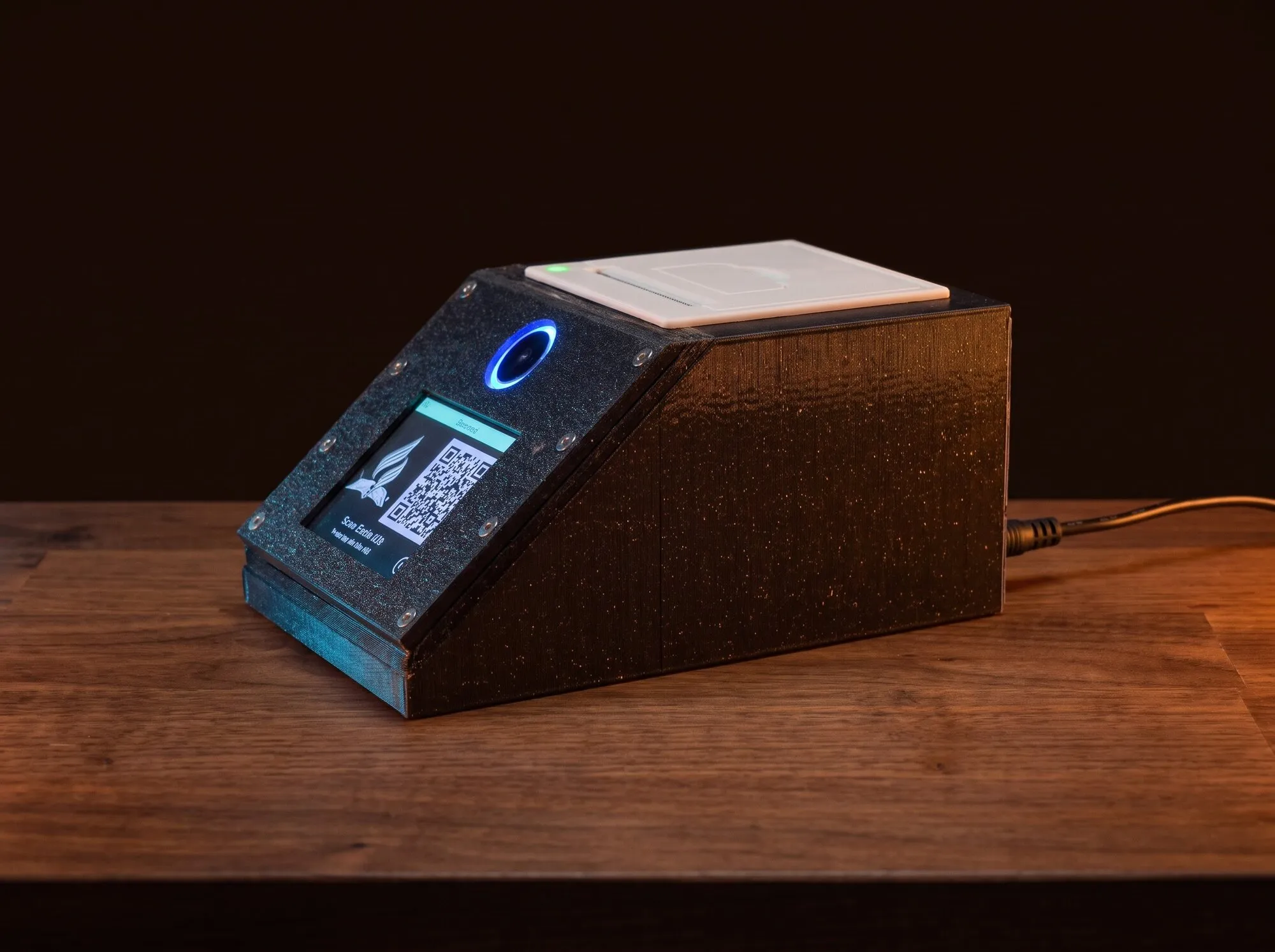
The parts
The board is an ESP32-2432S028R, known as the “Cheap Yellow Display”: an ESP32 microcontroller with a 2.8” touchscreen. I had already built firmware for this board on another project, and I reused its structure module for module. I first put ESP32 boards to work with Home Assistant.
The printer is an embedded 58 mm thermal receipt mechanism. The firmware drives it over a TTL serial line with ESC/POS, the command language receipt printers use. The scanner is a small round 2D code module on a second serial port that only receives. It reads codes from phone screens and from paper. A microSD card holds what the device needs to work offline.
The print head browned out the board
A brownout is a dip in supply voltage that resets a microcontroller. I fixed this one in the electronics. The printer has its own supply, with a large capacitor across it to cover the pulse.
A ticket took over ten seconds
I first sent QR codes to the printer as raster images, meaning dot by dot. At 9600 baud that took over ten seconds per ticket. The printer has its own QR command, which takes a fraction of a second. The fix was in the firmware.
The same split shapes the whole ticket. The server composes and the printer prints. A ticket arrives as a list of lines: text with a size and alignment, a QR code, a rule, a feed. Changing what a ticket says never needs new firmware. Pantry staff design their ticket in the console, with a preview drawn from the same lines the printer receives.
The parts changed while I was designing the case
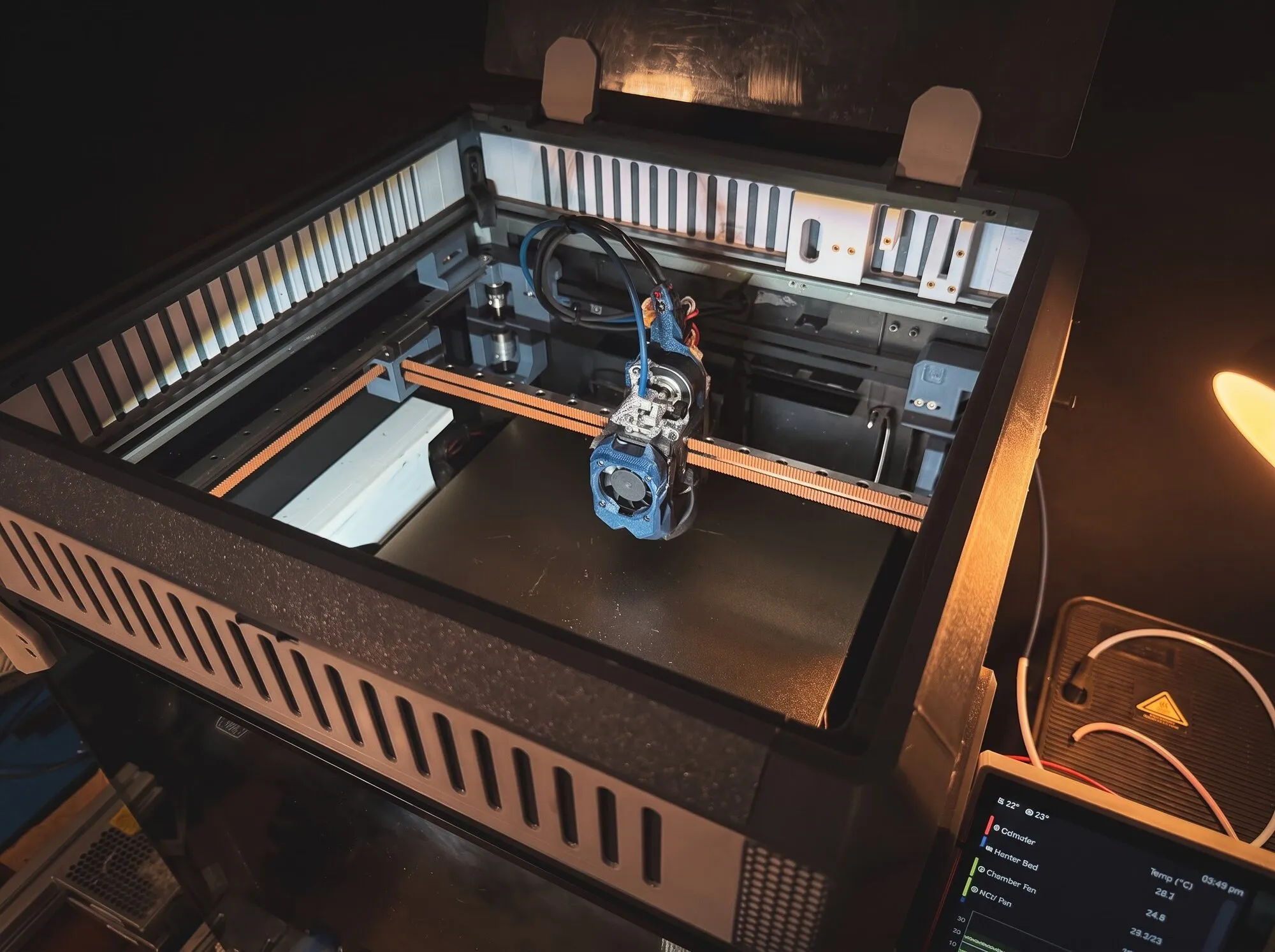
The scanner joined the design after the printer was already working, and these boards vary from batch to batch. That is why the enclosure is a parametric model in Onshape, printed on my own 3D printer. I change a dimension, reprint, and check the fit against the real parts. 3D printing is a prototyping tool for me for that reason.
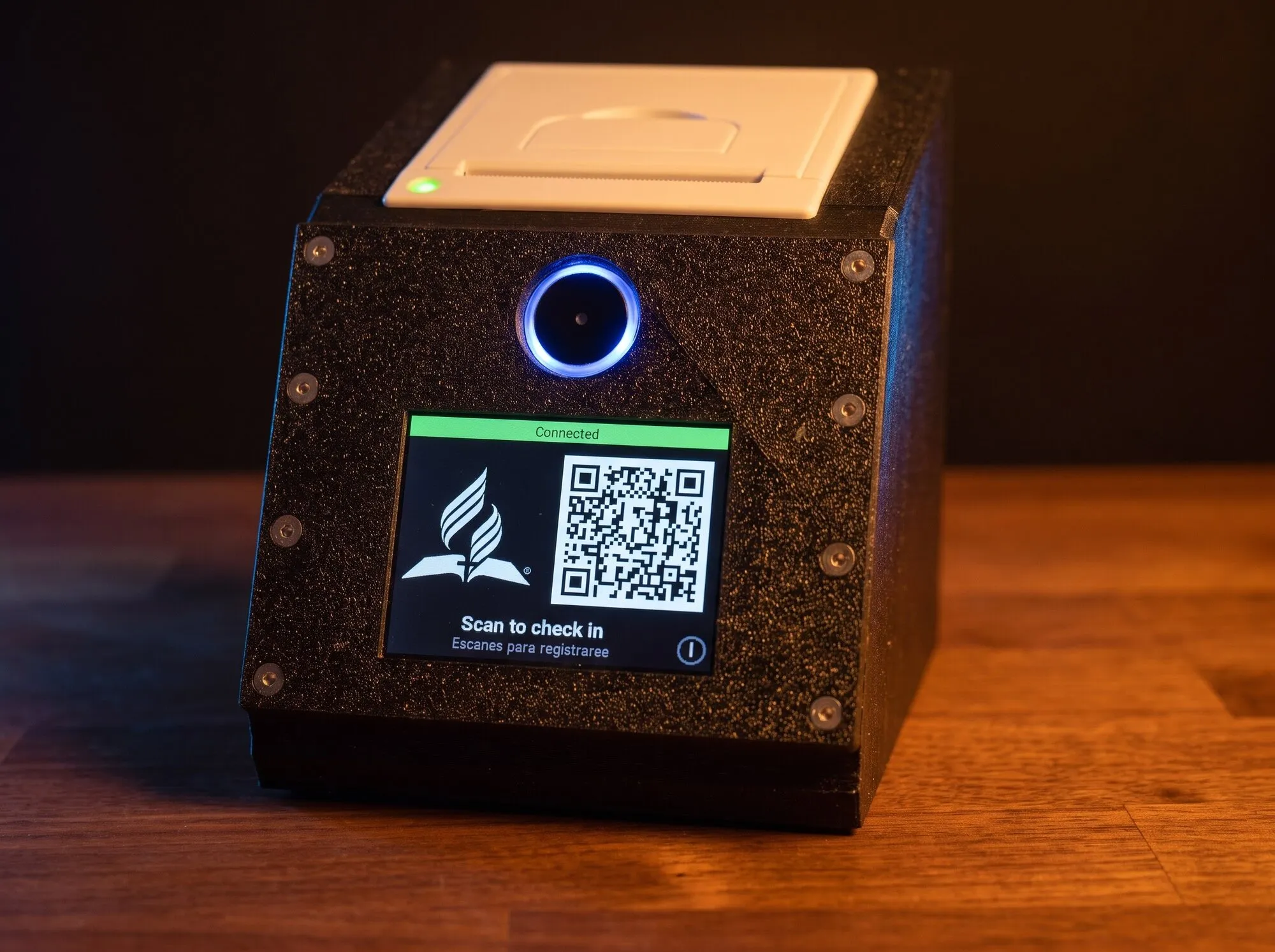
The enclosure is a desk console in two printed parts. The body is 110 mm wide, 167 mm deep and 80 mm tall. Its back half is a plain box. Its front half is cut away at 40° from the table, so the face a neighbor looks at leans back toward them. A single 12 mm round port sits low on the back wall for the cable, recessed so the fitting does not stand proud.
The front panel is 110 mm by 90 mm and holds everything a neighbor interacts with. A 59 × 46 mm window shows the display, set in a 70 × 51 mm pocket on the inside so the screen module sits flush behind it. Four 6 mm standoffs on a 78.8 × 42 mm pattern take the display board’s mounting screws. Centered above the screen is a round opening for the scanner, stepped from 18 mm to 22 mm to 28 mm so the module seats against a shoulder.
The scanner is at the top of the slope, where a phone held out at arm’s length lands. The screen is directly below it, so the answer appears where the neighbor is already looking. Rails on the back of the panel key into the body’s side walls, so the panel locates itself before any screw goes in. Eight countersunk screws, four down each side of the slope, hold it to bosses in the body. Because everything is on the panel, the board, the scanner and their wiring come out as one assembly on those eight screws.
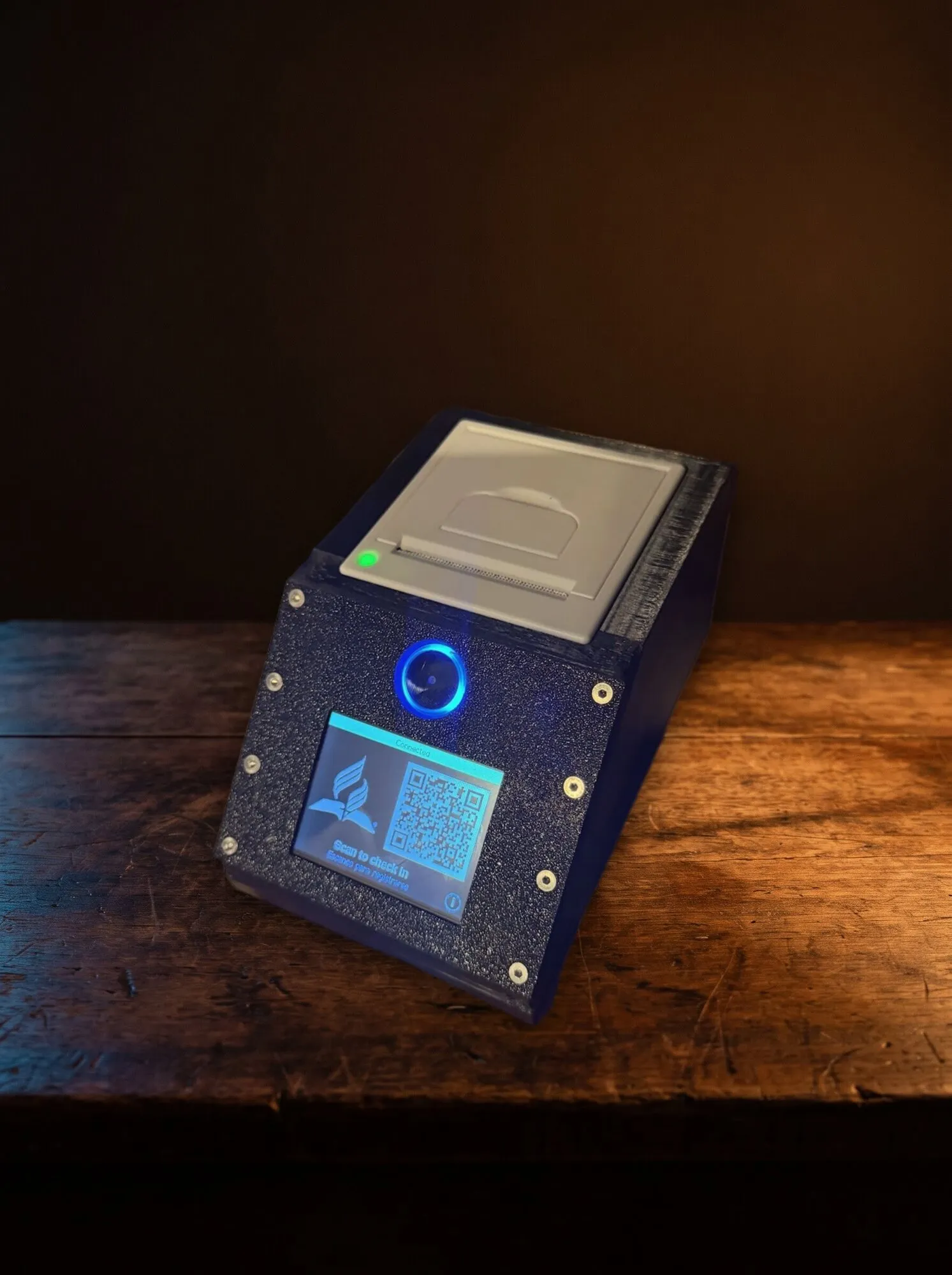
What the printer keeps for offline check-in
Anything the pantry prints carries only a household number, which is 21 squares across, the smallest QR code there is. Identity Without Accounts has the detail on the codes.
To check a printed code in offline, the printer keeps a minimal roster on its card: first name and last initial, household size, language, and when the form expires. No last name, town or phone number is on the device.
The pantry’s internet drops
A printer that only prints what the server sends has one answer to a dropped connection: use the tablet. Three decisions let it keep working.
It checks in from the code itself. A neighbor’s phone code carries their facts and their yearly form. With a card inserted and no server reachable, the printer reads the code, checks the form is current against a rule the server sends with every poll, confirms the person has not already been in today, and prints.
Diagram as text
- Server to Printer: form rule, with every poll
- Neighbor to Printer: holds code to scanner
- Printer to microSD card: write the check-in
- Printer to Neighbor: then print the ticket
- Printer to Server: saved check-ins, ids as keys
The check-in is written to the card before the ticket prints, so there is never a ticket in someone’s hand that the server will not hear about. When the connection returns, saved check-ins are sent with their own ids as idempotency keys, which let the server recognize one it has already received. It is the same outbox design the tablets use.
It keeps one line of numbers. Offline, the printer counts on from the last number it heard. When a pantry has several printers, each prints a letter before the number on offline tickets only, so two printers cannot hand out the same one.
It does not trust its clock. A microcontroller with no battery does not know the time after a power cut. The printer does not guess. It records each check-in against the power-on it happened in and how long after. If the server can prove the whole power-on fell within one day, it places the check-ins itself. If not, they wait in the console for staff to say which day it was.
A volunteer has to set it up
Pairing is a code on the screen. The device shows a pairing code and staff type it into their pantry’s console. There are no accounts on the device and nothing to configure per pantry.
Wi-Fi setup needs no tools. With no known network in range, the device raises its own access point with a captive portal, a setup page that opens when a phone joins. It remembers up to five networks in priority order and moves back to a better one when it reappears.
Fleet operations are kept apart from pantry data. Provisioning, health telemetry, crash reports and over-the-air firmware updates run through ThingsBoard, a device-management platform, with verified downloads and a rollback if a new image does not confirm itself. Nothing about a neighbor goes there. A scanned code is never logged, and it is held only until it is sent.
What I settled for
The board is a hobbyist one. It is inexpensive and available, and its pinout varies by batch. The build guide says to trust the labels on the board over any diagram.
The printer polls. It asks the server for tickets every two seconds over a kept-alive connection. That is simple and works through any network a pantry has.
The device’s own screen is in English. What the server sends is in the neighbor’s language, but the few things the firmware says by itself are English only.
A 2.8” screen cannot show legal text. If the yearly form is due, the printer sends the neighbor to their phone or the tablet.
Neighbors with a code check in by holding it to a box on the table and taking a ticket. The firmware has shipped eight minor releases through an automated release and promotion pipeline, and units update themselves in the field. The factory supervisor pager is an earlier single-purpose device of mine, also built to be left alone.
The printer is part of FoodForms, which is available at foodforms.org.